ADVERTISEMENT
✅ What Does the Green Dot Mean on Android?
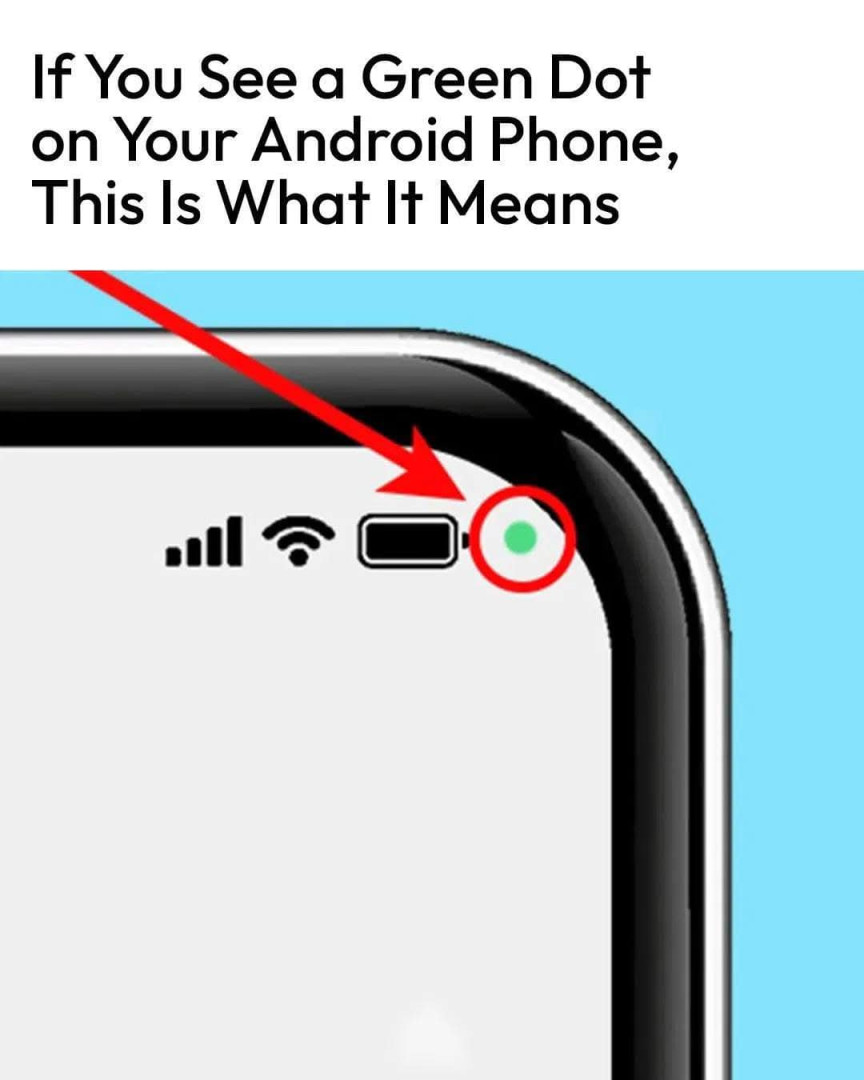
Simply put, the green dot is a privacy indicator. It means that an app is actively using your camera or microphone.
It’s similar to the feature on iPhones, where a green or orange dot shows up in the status bar.
📸 When Does It Appear?
- If the camera is in use — you’ll see a green dot.
- If only the microphone is in use — you may see a green dot, or in some Android versions, a mic icon instead.
- If both are in use — the green dot will still show, and tapping it may reveal more details.
🟢 Example: Opening your camera app, recording a voice message, or joining a video call will trigger the green dot.
🔍 How to Find Out Which App Is Using Your Camera or Mic
- Swipe down from the top of your screen to open the notification shade.
- Tap on the green dot or look for the privacy icon (camera/mic symbol).
- Android will show you which app is currently accessing your camera or microphone.
This gives you transparency and helps identify apps that may be misusing permissions.
🚨 Why This Matters for Your Privacy
The green dot is more than just a feature — it’s a warning system. It can:
- Alert you if an app is using your camera/mic in the background
- Help you catch suspicious or rogue apps
- Give you control over which apps access sensitive tools
